
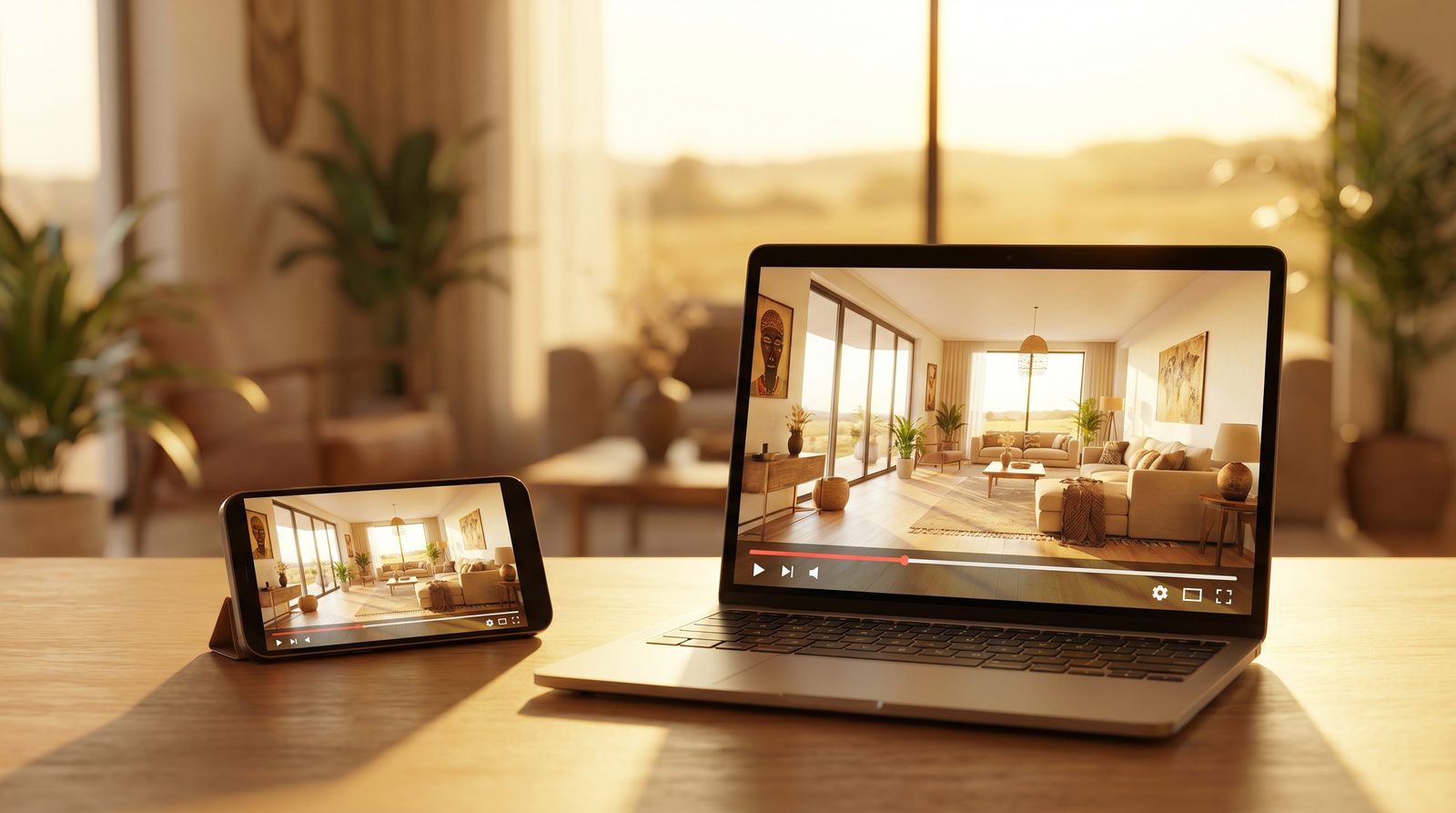
A video is the single biggest upgrade you can make to a Property24 listing, it lifts your ranking, pulls in more enquiries, and it costs you nothing to add. But there is a catch that trips up most agents: Property24 will block a video that breaks its rules, and a slideshow of photos does not count as a video at all. This guide walks through exactly what is allowed, how to add the video step by step, and the fastest way to get a compliant tour made, even if you have never shot a frame of video in your life.
1. Why add a video to your Property24 listing
Property24 ranks listings using a quality score, the higher your score, the higher your property appears on the results page that buyers actually scroll. Video is one of the strongest organic levers you can pull on that score, sitting alongside a mapped street address, complete property details, and a full set of high-resolution photos. In plain terms: a listing with a video outranks an otherwise-identical listing without one.
Free
Property24 lets you add a video at no extra cost
Higher
video lifts your listing's quality score and ranking
+YouTube
your video gets extra exposure through YouTube search
There are three wins stacked on top of each other. First, ranking: a video pushes your listing up the page where more buyers see it. Second, engagement: listings with video consistently earn more views, longer attention and more enquiries than photos alone, and a tour pre-qualifies serious buyers before they ever request a viewing. Third, reach: because the video lives on YouTube (more on that below), it becomes searchable on the world's second-largest search engine, working for you long after you have uploaded it.
2. The one rule that gets videos blocked: a slideshow is not a video
Before anything else, understand the rule that catches the most agents out. Property24 requires your video to contain real moving footage. Stitching a set of still photos together with cross-fades is a slideshow, and Property24 is explicit that a slideshow is not a video. It can be rejected, and worse, it can read as misleading to a buyer who expected to actually move through the space.
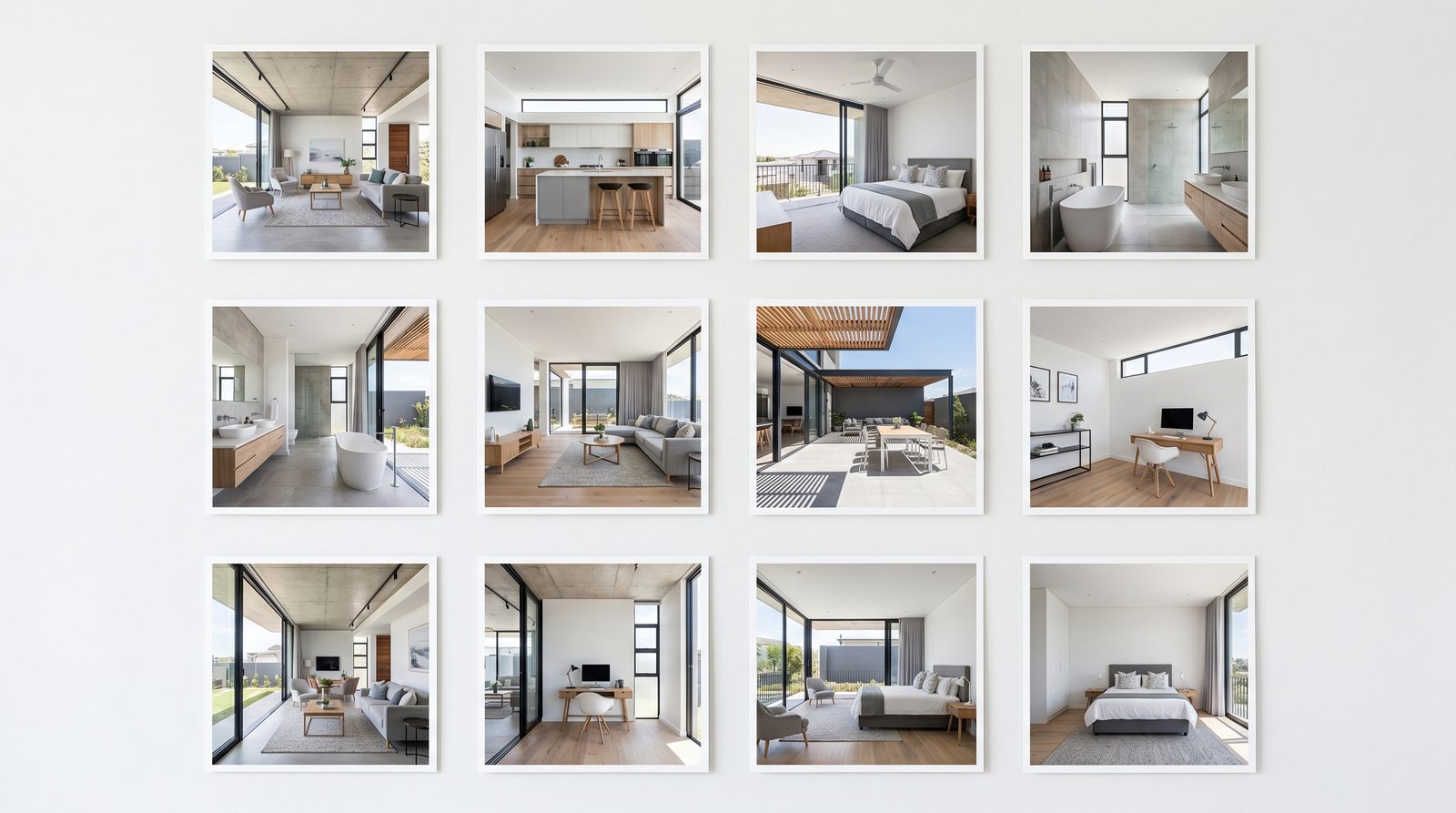 Slideshow · just stills
3. Property24's video rules at a glance
Here is the full compliance checklist. Get these right and your video sails through; get them wrong and you will be re-editing and re-uploading.
| Rule | What's required |
|---|---|
| Length | No hard limit, but 2.5-3.5 minutes is recommended for residential. Commercial: ~30 seconds to 2 minutes. Vacant land can be shorter. |
| Resolution | 1080p (1920×1080), the standard YouTube HD size. Modern smartphones export this easily. |
| Orientation | Landscape, always. Portrait video plays inside black bars and looks unprofessional. |
| Real footage | Must contain genuine moving footage. A slideshow of images is not accepted. |
| Branding & text | Agency branding and text on the video are allowed. Google ads are not. |
| Contact details | Not allowed anywhere in the footage. Include a phone number, email or website and the video gets blocked. |
| Music & voice-over | Both allowed. Keep music tasteful and the voice-over clear and professional. |
4. Step by step: how to actually add the video
Property24 does not host your video directly. It pulls it in from YouTube via your listing software. The flow is the same whether you load listings through PropCtrl, a preferred vendor, or a feed-in service provider.
Step 1, Make or obtain the video
Have a compliant video ready: real motion footage, landscape, 1080p, no contact details, ideally 2.5-3.5 minutes for a home. If you do not have one, section 6 covers your three options, including turning the photos you already have into one.
Step 2, Upload it to YouTube
Upload the video to your agency's YouTube channel. You can set it to Public for maximum reach or Unlisted if you only want it reachable via the link. Either way, treat the YouTube listing itself as free SEO: write a keyword-rich title (suburb, property type, bed count) and a description that mentions the area and features. This is exposure you get for free, on top of the Property24 placement.
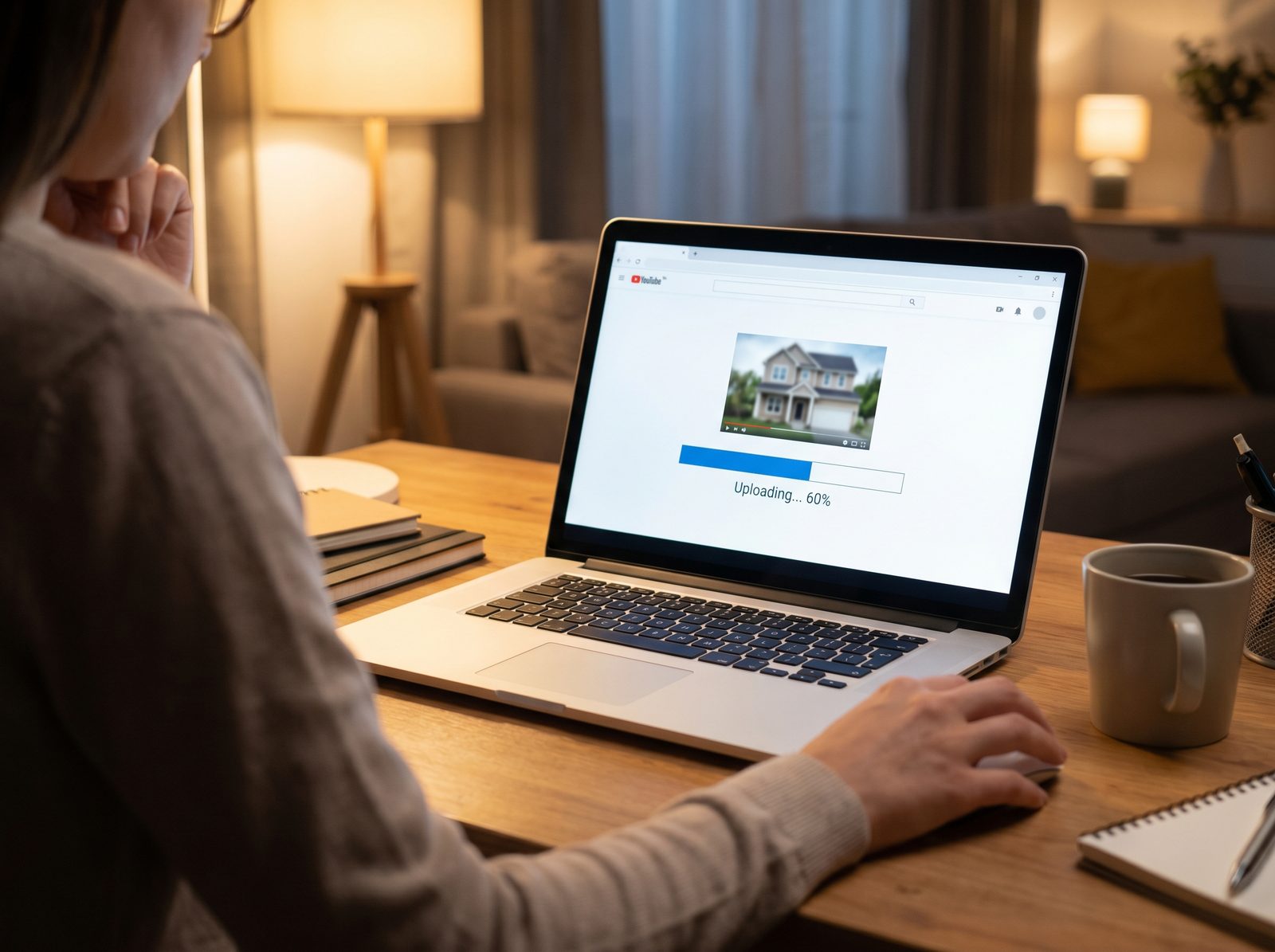
Step 3, Copy the link
Once the upload finishes, copy the YouTube video link (or embed code). This is what you will paste into your listing tool, Property24 uses it to embed the player on your listing page.
Step 4, Add it to the listing
In PropCtrl, your preferred vendor platform, or your feed-in service provider, open the listing and paste the YouTube link into the video field. Save and syndicate as you normally would. The exact button label varies by platform, but every Property24-connected tool has a video or media field for this.
Step 5, Publish and verify
Publish, then open the live listing on Property24 and confirm the video player appears and plays. If it does not show, or you get a block notification by email, re-check the two usual suspects: contact details in the footage, or a clip that is really a slideshow. Fix and re-upload.
5. What makes a video that ranks and sells
Meeting the rules gets your video accepted. These habits get it watched to the end and get the phone to ring.
- Lead with your hero shot. The first three seconds decide whether a buyer keeps watching, open on the property's single best feature, not a slow drive-up.
- Respect the length. Aim for the 2.5-3.5 minute sweet spot; a tight tour beats a rambling one every time.
- Keep it landscape and 1080p. Anything narrower or lower-resolution reads as amateur on a big screen.
- Move with purpose. Smooth, deliberate camera moves through each space sell the flow of the home; shaky, aimless footage does the opposite.
- Add tasteful music and a clear voice-over. Both are allowed and both lift the feel, keep the music subtle and the narration professional.
- Set a strong thumbnail. On YouTube and in the player, a bright, well-composed frame earns the click.
6. Three ways to get the video made
Most agents stall at "but I don't make videos". You have three realistic routes, and they trade cost against time and quality.
| Option | Cost | Time & effort | Best for |
|---|---|---|---|
| DIY phone walkthrough | Low | Your time: filming + editing, and a learning curve | Agents happy to shoot and edit, on a budget |
| Hire a videographer | High | Booking, a shoot day, and an editing turnaround | Premium listings where a bespoke film is worth it |
| Turn your photos into an AI video tour | Low-mid | Minutes of your time, upload and receive | Any agent who wants a compliant tour, fast, without gear |
The first two are well understood. The third is newer and, for most listings, the most practical, so it is worth seeing exactly what it produces.
7. The fastest compliant route: turn your listing photos into a video tour
You have already done the hard part, you have the photos. The gap is turning them into genuine moving video, which normally means gear, software and hours you do not have. This is the exact gap RealTours was built to close.
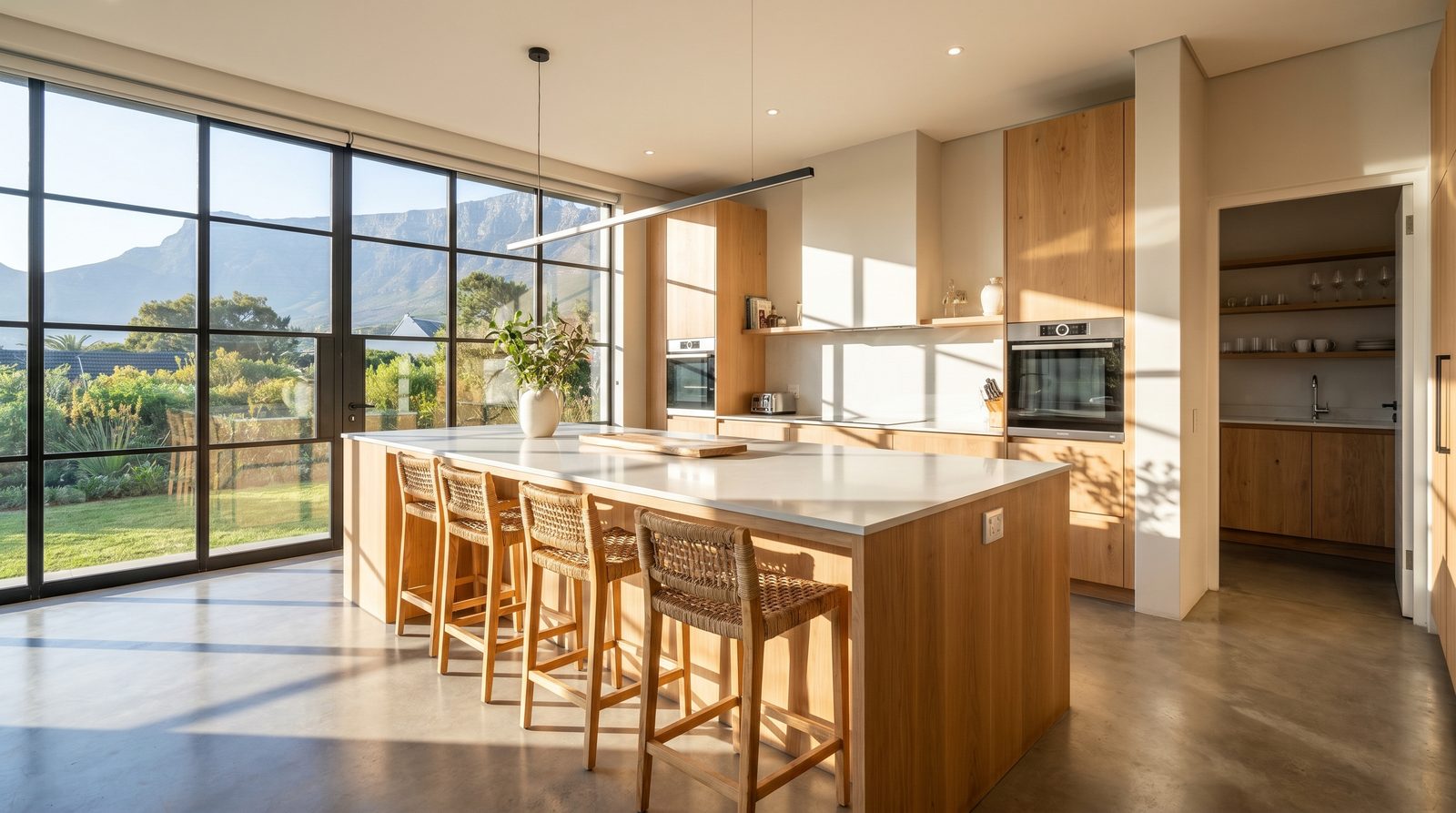 Before · your photo
You upload the listing photos you already shot, and you get a cinematic, narrated video tour back the same day, with a professional voice-over and music. Crucially for Property24, it is genuine motion video: a real camera move through each space, not a cross-fade slideshow. And you get two versions, a landscape cut for Property24 and YouTube, and a portrait cut for WhatsApp and social, so the one tour covers every channel you market on. You can see real tours here and check the pricing.
8. Don't forget Private Property
Property24 is the biggest portal, but Private Property matters too, and it handles video differently, which catches agents off guard.
| Property24 | Private Property | |
|---|---|---|
| Video & 3D tour | Included at no extra cost | Behind the paid HD Listing option |
| Quality-score impact | Significant positive impact | HD Listing adds about 30% to a residential listing's quality score |
| Minimum photos | 16+ photos, at least 1024×768 | 12+ high-resolution images |
The takeaway: on Property24 there is no reason not to add a video, it is free and it helps. On Private Property, video is a paid upgrade, but the quality-score lift is large enough that it is usually worth it on listings you want to push. Either way, the same video can serve both.
9. Beyond video: 3D Matterport virtual tours
Video and 3D tours are not the same thing, and it is worth knowing the difference. A 3D Matterport tour is an interactive "digital twin" of the property, a special camera scans each room and stitches the images into a model that buyers can walk through themselves, choosing their own path. It adds a genuine wow factor, and Property24 supports it at no extra cost.
So which do you reach for? A video tour is the better lead magnet, it is short, narrated, scroll-stopping, and it works everywhere from a portal to WhatsApp. A 3D tour is the better deep-dive, it shines on higher-end or harder-to-visualise homes where serious buyers want to explore the layout before they travel to view. On a flagship listing, the strongest play is both: a video to win the click, a 3D tour to convert the committed buyer.
10. South African field notes
A few realities are specific to making and uploading property video here.
- Load-shedding: film when the power is on so every interior light is lit, check the schedule (EskomSePush makes it easy) and arrive with charged batteries. You will also want stable power and connectivity for the upload itself.
- Data and upload: 1080p files are large. Upload to YouTube on a fixed line or solid Wi-Fi rather than burning mobile data on the road.
- YouTube is free reach: a keyword-rich title and description on the YouTube upload puts your listing in front of buyers searching YouTube, not just Property24.
- Go portrait for WhatsApp: a vertical cut of the same tour is gold for WhatsApp status and social, keep the landscape version for the portal, and a portrait version for direct sharing.
- Keep music classy: licence-friendly, understated music ages better and sells better than anything attention-grabbing.
11. Common mistakes and a pre-upload checklist
Most blocked or weak listing videos fail for the same handful of reasons. Run through this before you upload:
- A slideshow of photos instead of real motion footage.
- Contact details (number, email, website) burned into the footage, an automatic block.
- Portrait orientation, so the video plays inside black bars.
- Too long and slow, or so short it shows nothing, aim for the 2.5-3.5 minute sweet spot for a home.
- Sub-1080p, soft or shaky footage that looks amateur on a big screen.
- A weak or random thumbnail that earns no clicks.
- Forgetting the YouTube title and description, leaving free search exposure on the table.
Photos get your listing noticed. A compliant, well-made video gets it ranked, watched and remembered. Do it once, do it right, and it works for you on every portal and every share, long after the shoot is over.